
Description
The R1234yf O2 sensor that gets your recovery machine running again
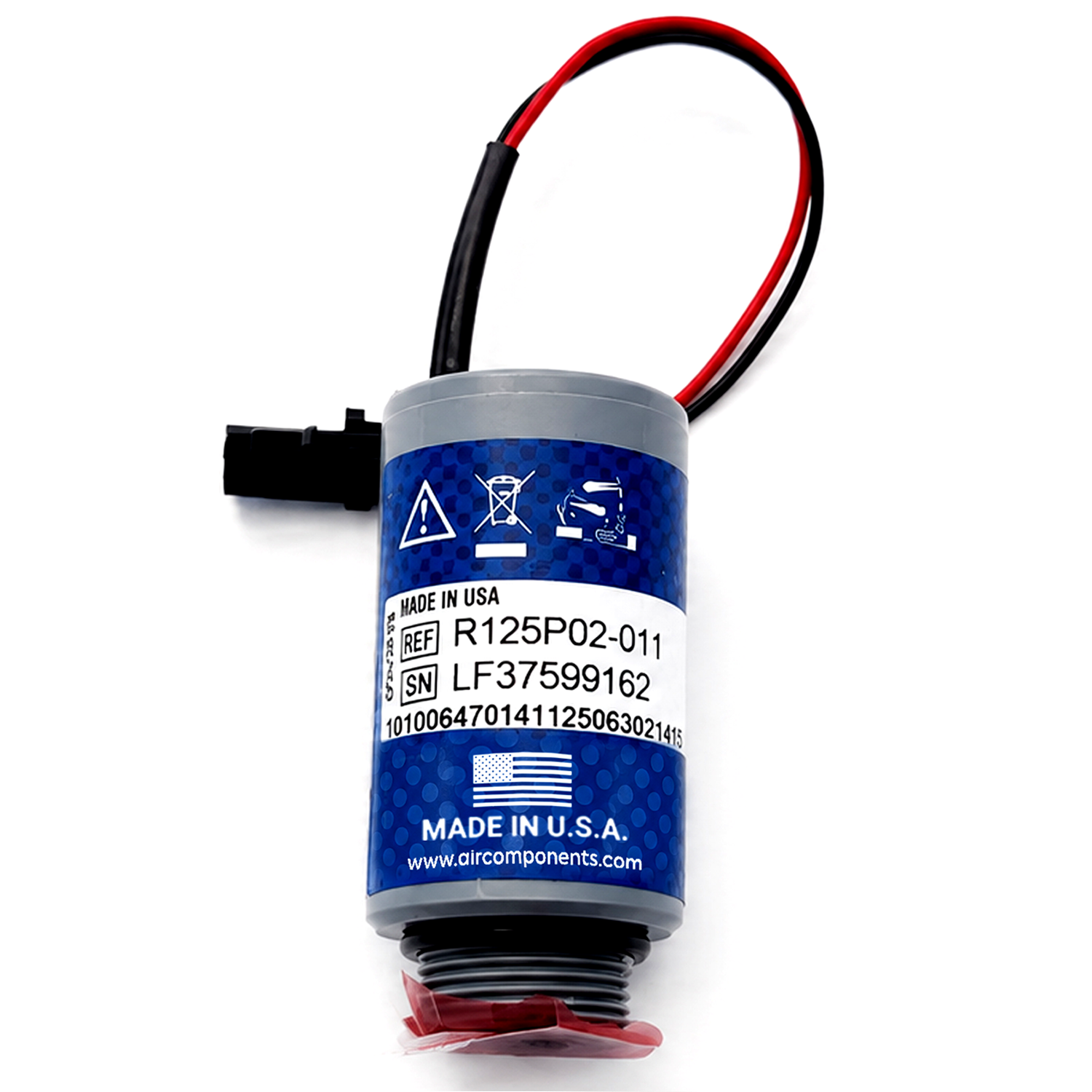
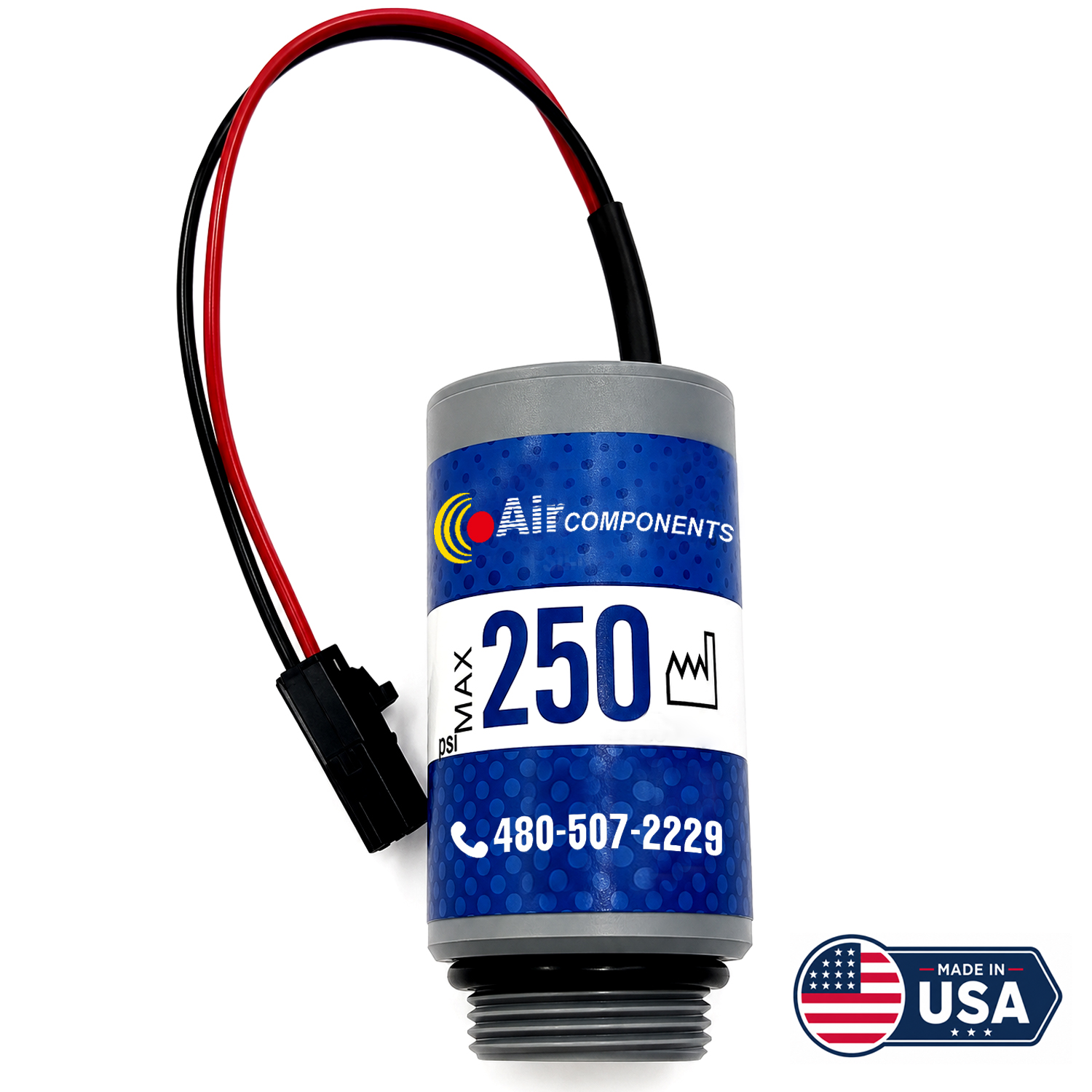
When a 1234yf recovery, recycling & recharging machine throws an “O2 Sensor Expired” or “Oxygen Sensor Error,” it stops recovering and charging until the sensor is replaced. The USA-made SW250 is a direct, OEM-grade replacement for the Neutronics sensor element that Robinair, Mahle/RTI, Mastercool and CPS all rely on — so you clear the fault and get back to work for a fraction of the branded-box price.
The oxygen sensor is the gatekeeper of refrigerant purity
Every modern R1234yf service unit has a built-in refrigerant identifier, and that identifier uses an electrochemical oxygen sensor to measure air content and confirm the refrigerant is clean before it enters your storage tank. This protects you from cross-contamination — but the sensor is a consumable with a finite life.
As it ages, the machine shows an “O2 SENSOR WARNING,” “EXPIRED,” or “OXYGEN SENSOR ERROR” and disables recovery and charging so contaminated refrigerant can’t reach the tank. A fresh SW250 clears the fault immediately and returns the unit to normal operation.
Know exactly what you’re ordering
The details that decide whether this sensor matches your equipment:
Back to work, for less
Clears the lockout fault
Resolves “O2 Sensor Expired” and “Oxygen Sensor Error” codes that lock recovery stations, so the unit returns to normal operation.
OEM-grade replacement
A direct replacement for the Neutronics sensor element (base part 1-16-1013-00-2) that Robinair, Mahle/RTI, Mastercool and CPS machines rely on.
Fits dozens of machines
Works across R1234yf recovery, recycling and identifier units from Robinair, Mahle/RTI, Mastercool, CPS and Neutronics/Bacharach — see the compatibility list.
Protects refrigerant purity
Restores the identifier’s ability to verify refrigerant before it reaches your storage tank, preventing cross-contamination.
Made in the USA
A USA-made sensor offered at a fraction of the branded-box price.
Order ahead, avoid downtime
The sensor is a consumable with a typical ~2-year life; most machines warn before locking out, so you can keep a spare on the shelf.
Fits dozens of R1234yf machines and identifiers
The same Neutronics-based sensor element is used across these brands and models:
Robinair
AC1234-4, AC1234-4SL, AC1234-4-230, AC1234-6, AC1234-9 — plus the 16990 and 16995 standalone refrigerant identifiers.
Mahle / RTI ArcticPRO
ACX2280, ACX2250, ACX11280, and the ACX22XX and ACX12XX series machines.
Mastercool
Commander 4000 and Commander 4100 units.
CPS Products
FX3030 and FX-Series units using the integrated EID analyzer.
Neutronics / Bacharach
Standalone and integrated identifier modules: EID-1234yf-SAE (7-08-1234-02-2), EID-1234yf/134a-SAE (7-08-1234-26-1), and EID-134a (7-08-1000-70-0).
Check your identifier first. The SW250 fits Neutronics / Bacharach-based identifiers only — it is not compatible with IDX identifiers. Confirm which module your machine uses before ordering. If your model isn’t listed, contact us with your machine model and we’ll confirm fitment.
Interchange & cross-reference numbers
The SW250 replaces these OEM and aftermarket part numbers. Listed for identification only.
| Brand | Part number(s) |
|---|---|
| Robinair | 16916 |
| Mahle / RTI | 022-80174-00 (0228017400) · 360-83241-00 |
| Mastercool | 69HVAC-YFAS |
| CPS Products | RIXOS |
| Neutronics / Bacharach | 1-16-1013-00-2 (NEU-1161013002) — base OEM element |
| Air Components | SW250 (this product) |
How to replace the oxygen sensor
These steps cover the Robinair AC1234 series; Mahle, Mastercool and CPS units are very similar because the internal Neutronics module works the same way. You’ll need a flathead screwdriver and a socket or driver for the housing.
Open the machine
Power down. Remove the outer cover bolts, slide the cover off, and set the drain tank aside to reach the top racking.
Pull the module
Unplug the harnesses (note their positions), remove the two bracket screws, pull the inline filter, and lift the identifier module to a bench.
Swap the sensor
Open the module cover, unplug the white connector, unscrew the old sensor counter-clockwise, then hand-thread the new one in gently — don’t strip the plastic threads.
Reassemble
Reconnect the sensor plug and cover. Remount the module, refit the inline filter with its flow arrow correct (replace if dark or yellow), reconnect the harnesses, and refit the cover.
Power up & test
Reconnect power, let the machine boot and run its self-checks, and confirm the error has cleared on the display.
Tip: replace the identifier’s inline filter at the same time if it looks dark or yellow, and never overtighten the sensor — snug is enough to seal the plastic threads.
Technical specs
Shop recovery-machine parts & supplies
Browse related recovery, recycling and identifier supplies and set your quantities in one place.
| Image | Product Name | SKU | Price | In Stock | Quantity | Add To Cart |
|---|---|---|---|---|---|---|
| No products found. | ||||||
FAQ
Why is my machine showing “O2 Sensor Expired” or “Oxygen Sensor Error”?
How long does an R1234yf oxygen sensor last?
Does this fit Mahle, Mastercool and CPS machines, not just Robinair?
Will it work with IDX identifiers?
Do I need to replace the inline filter too?
Is any calibration or special tool required?
Confirm your identifier before you buy
The SW250 fits Neutronics / Bacharach-based machines — not IDX. Send us your machine model and we’ll confirm the right sensor.
Add to cart ↑ Confirm my fitmentAll manufacturer names and part numbers are trademarks of their respective owners and are listed for identification and cross-reference purposes only; their use does not imply affiliation or endorsement. The SW250 is an aftermarket, OEM-grade replacement for Neutronics / Bacharach-based identifiers only (not IDX). Confirm your machine’s identifier module before ordering.